
Network
Introduction
Product-Live has a unique Exchange feature enabling:
- For retailers or marketplaces to collect data from suppliers or vendors
- For suppliers or vendors to share data with retailers or marketplaces
You can think about it like a mailbox but for structured data.
To be able to share or collect data, the first step is to define with which partners you want to connect.
Go to https://settings.product-live.com and then in the menu Network.
You should have something like this (if it's your first time, without partners in the list):
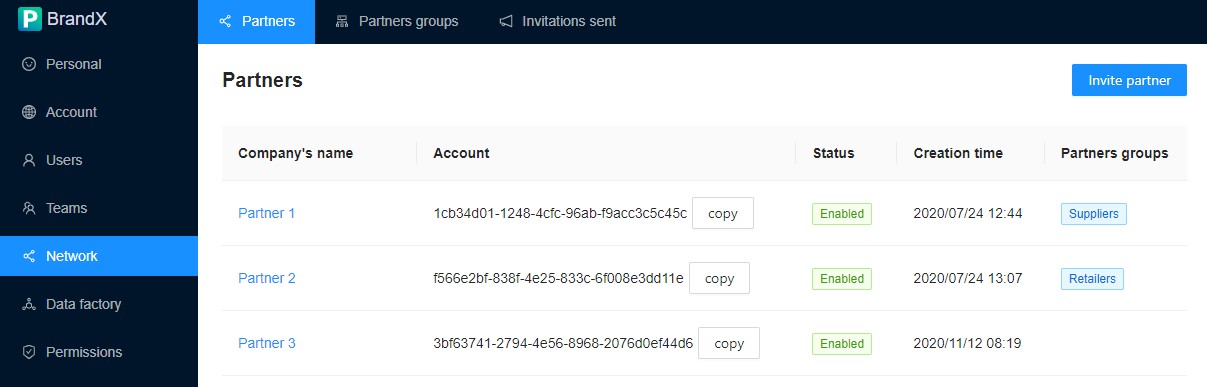
Sub menus
| Sub menu | Description |
|---|---|
| Partners | Partners' list. Here you can invite or edit partners. |
| Partner groups | Partners must be associated with one or multiple partner group. |
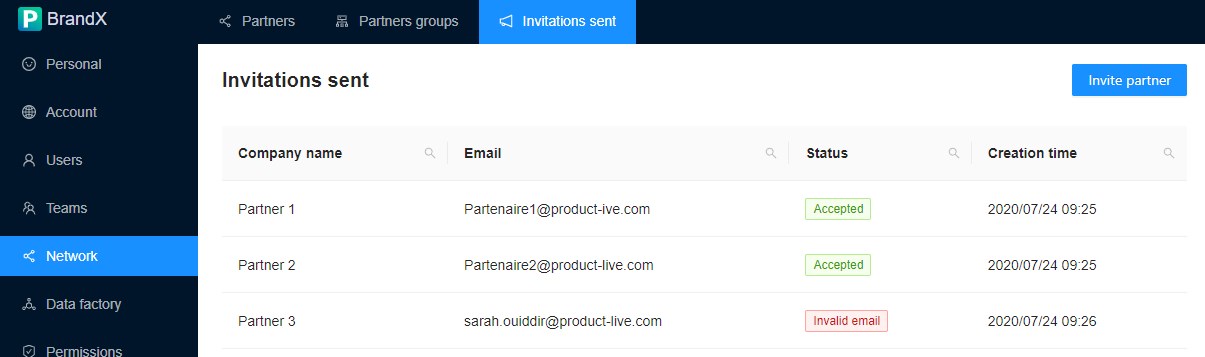
| Invitations sent | A list of invitations that you have sent and their status. |
Partners
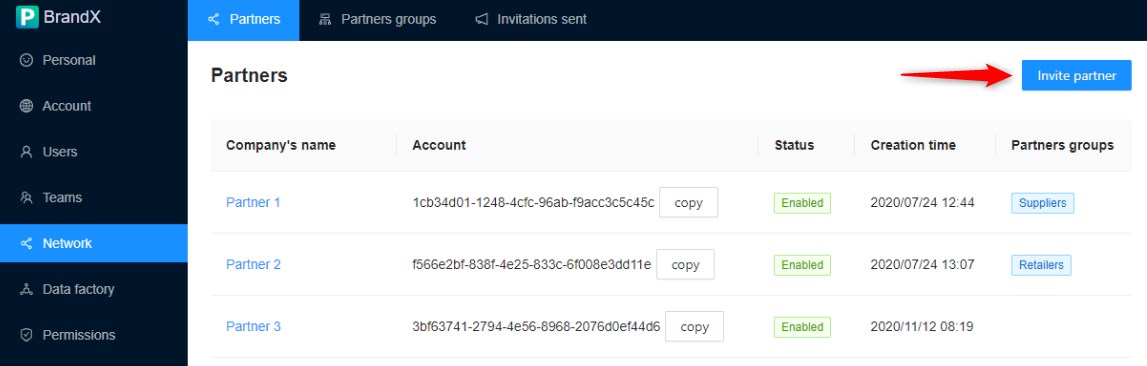
Invite partner
Click on the Invite partner button:
You can only invite one company at a time:
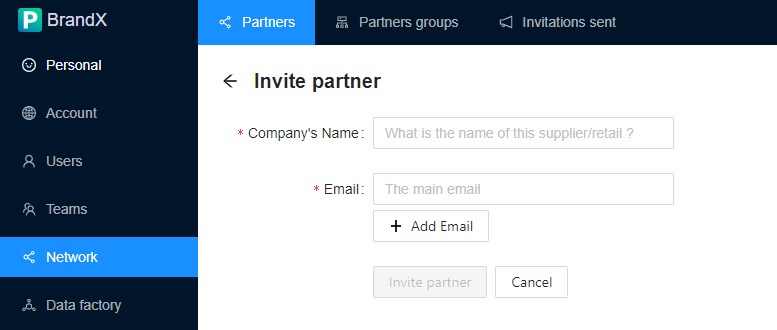
Add all emails from users you know in this company.
Inviting a partner will only start a process at Product-Live to check and connect your company with the company you are trying to connect with. This is a manual process. Product-Live teams will check several points, like does the company already have an account? if the company has several Product-Live account, which one to connect?...
Info
Connecting with a partner will not share any of your data, except your account name and your relation status.
What a partner can view/share with you is defined by Permissions.
Edit partner
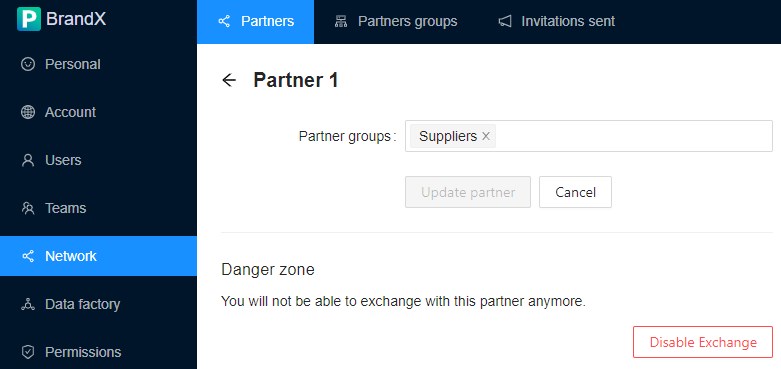
To edit a partner click on his name:
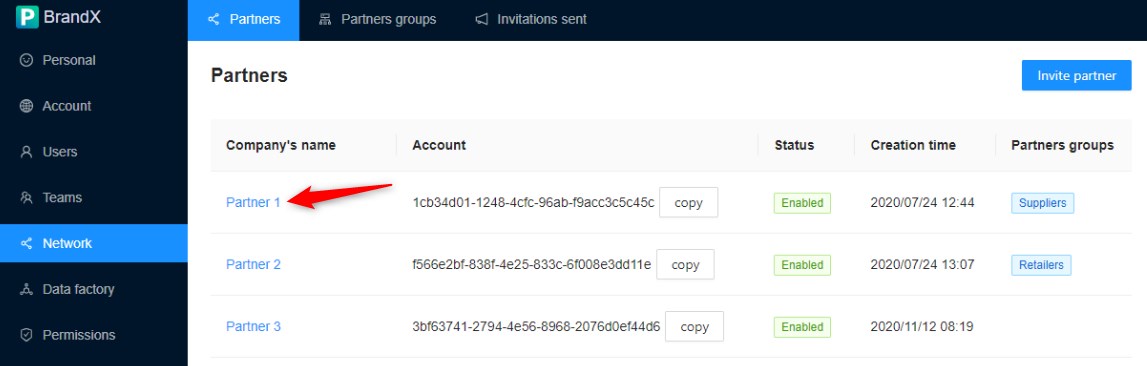
Here you can:
- Add/Remove a partner to/from a partner group
- Disable the exchange with this partner
Partner groups
Like for Teams, you must create partner groups for your partners and associate each of your partners with at least one partner group.
Invitations sent
This sub menu list all invitations that you have sent and their status.
The status is manually updated by the Product-Live team.
FAQ
How to disable a partner relation?
In the Partners sub menu, click on the partner's name, and then click on the button Disable Exchange. This will immediately disable all exchanges with this partner.
How to enable a partner relation that has been disabled?
You must invite again this partner.