
Password management
Note
This guide applies to users who log in with their email and password. Users who authenticate via Single Sign-On (SSO) manage their credentials through their company's Identity Provider. See the Single Sign-On (SSO) guide for more details.
I have forgotten my password
To reset your password, first go to the login page and enter your email address, and click on the "Sign in" button.
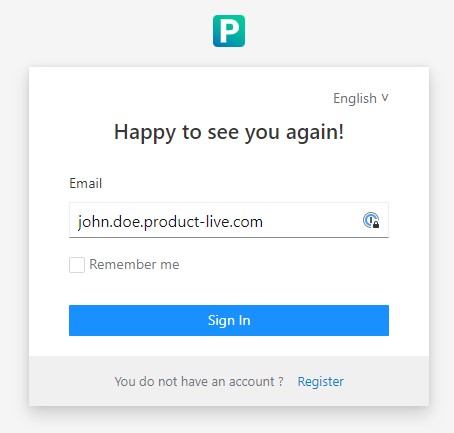
Then click on the "Forgot password?" link.
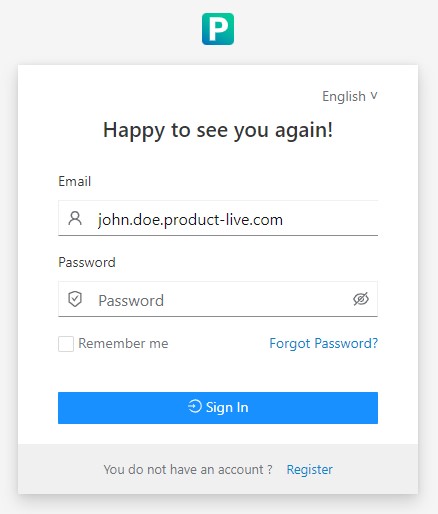
And finally submit the form. You will quickly receive an email with all the necessary information to update your password.
Password policy
The password policy is as follows:
- At least 8 characters
- Maximum 64 characters
I want to change the password of a collaborator
It's not possible to change the password of a collaborator. A password can only be changed by the collaborator himself using the "Forgot password" form.